
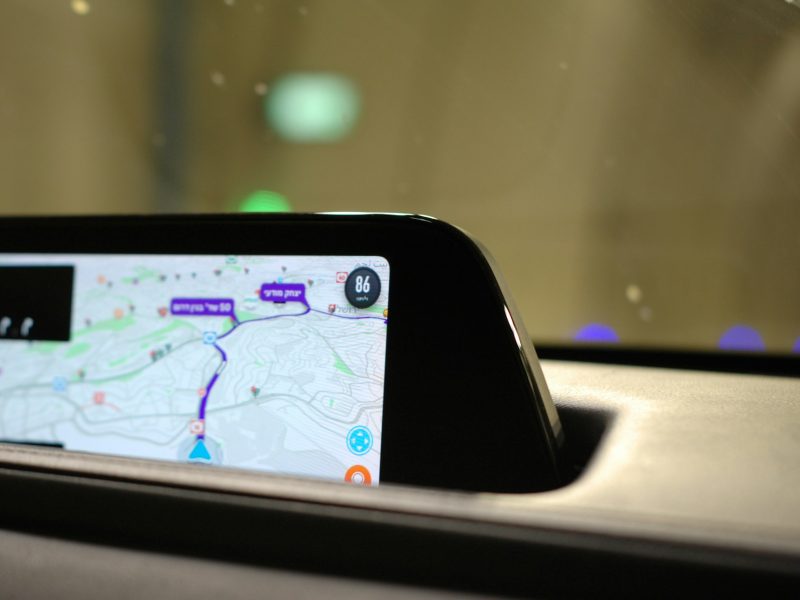
How an Air Fryer Brought My Motorola MA1 Back to Life
The Motorola MA1 is a neat little gadget that makes using Android Auto wireless and easy. It usually just works – plug it in, and you’re good to go. But sometimes, things go wrong. And when they do, the MA1 can get stuck in a frustrating loop that seems impossible to fix.
If you’re facing blinking lights, failed resets, and endless reconnecting attempts, you’re not alone. The good news? One Reddit user found a fix. The surprising part? It involves an air fryer.
⚠️ Disclaimer Before We Begin
This guide is for informational and educational purposes only.
Attempting this repair involves opening your device and exposing it to high heat. This can be risky, both to the device and to your kitchen appliances.
I am not responsible for any damage caused to your Motorola MA1, your air fryer, your home, or anything else that may go wrong. Proceed at your own risk.
This is a last-resort fix meant for people who have already tried everything else and are comfortable with DIY repairs.
The Problem: MA1 Stuck in a Loop
Here’s what many users experience:
- Solid white LED, followed by one or two green blinks.
- It then loops, never connecting to your phone.
- Holding the reset button turns the LED red, but nothing changes.
- A quick freeze might make it work for a minute or two, but then it fails again as it warms up.
This usually points to a hardware issue, something inside isn’t making a proper connection.
The Clever Diagnosis: Heat Trouble
Reddit user kiwil01 discovered that cooling down the device helped it boot temporarily. This pointed to a problem with the solder joints, likely one that breaks down when the device gets hot.
To solve this, kiwil01 used a trick from electronics repair called “reflow soldering.” This means heating the board until the solder melts just enough to reconnect.
The Fix: Using an Air Fryer (Yes, Really)
Here’s the step-by-step process that worked for kiwil01, and others who tried it:
- Take apart the MA1.
- Remove the plastic casing carefully.
- Take off the internal metal heat shield to expose the board.
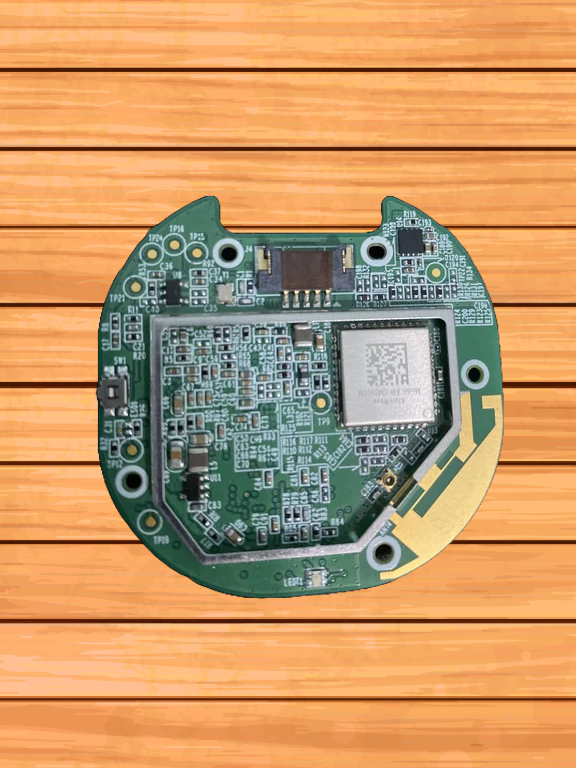
- Place it in an air fryer.
- Lay it down Wi-Fi side up (this matters).
- Set the air fryer to 400°F (200°C).
- Let it cook for 6 minutes.
- Let it cool naturally, don’t stick it in the freezer or blow on it.
- Just let it sit on the counter until it’s room temperature.
Once it’s fully cooled, reassemble the device and plug it back in. Many users report that it comes back to life and works as normal. Connect it back in your car and follow the Motorola Reset Guide.
Why This Works
Most modern devices use lead-free solder, which has a higher melting point (around 425°F). If one of those joints fails, due to heat, age, or poor manufacturing, heating the board can allow the solder to melt and reconnect.
It’s the same concept used in fixing old graphics cards or gaming consoles.
Final Thoughts
If your Motorola MA1 has become a blinking paperweight and nothing else has worked, this strange but clever air fryer trick might be worth a try. It’s not for everyone, and yes, it’s a little crazy, but sometimes, creative fixes are the only ones that work. Just remember, you’re on your own if things go sideways.
Credits to Reddit user kiwil01 for this wild but surprisingly effective idea.
If you enjoyed this post, you can read more from me:
About Me | Blog | Contact
Also check out my recent article: The Path to Mental Peace