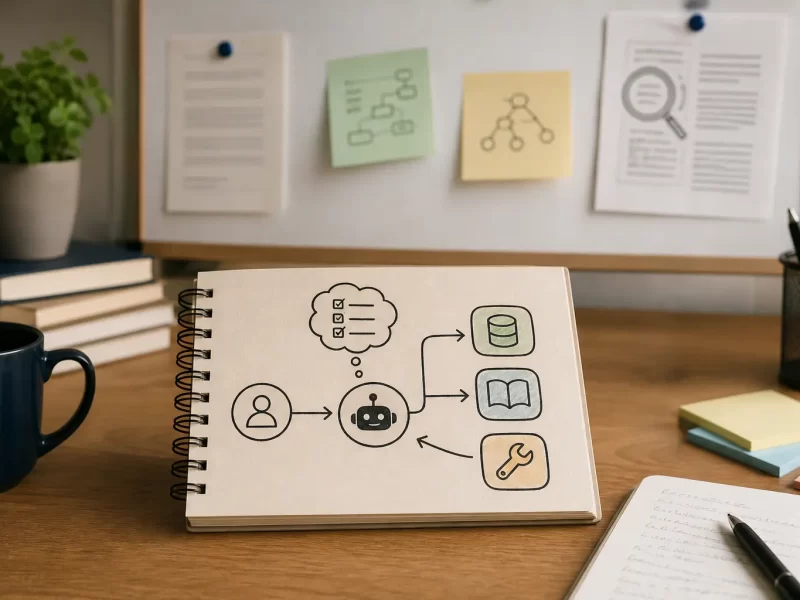
Discover the 5 best MCP servers for productivity and AI workflows. These servers help your AI connect to the apps, files, and tools you already use, making your workflow faster, smarter, and easier to manage.
1) Filesystem MCP
The Filesystem MCP is the foundation for working locally with your AI. It lets you interact with your computer’s directories and files in a structured way, so you don’t need to constantly copy and paste data. If your focus is productivity, this is easily one of the best MCP servers to install first.
With it, you can:
- Read and edit text files without leaving your AI interface
- Create, organize, and remove directories
- Search across file names, contents, and metadata
It’s incredibly useful for research, coding, or even content writing, since your AI can pull relevant files instantly instead of asking you for uploads every time.
Repo: modelcontextprotocol/servers – filesystem
2) Google Drive MCP
Many of us live in Google Drive. The Google Drive MCP integrates your cloud documents, letting your AI fetch spreadsheets, presentations, and notes on demand. This makes it one of the best MCP servers for anyone who collaborates in teams or stores most of their data online.
Key benefits include:
- Search by keyword across your Drive files
- Retrieve files instantly by ID or query
- Work with any supported MIME type (Docs, Sheets, Slides, PDFs)
Instead of manually digging through folders, you can just ask your AI: “Find me last quarter’s budget sheet,” and it’s done.
Repo: modelcontextprotocol/servers – gdrive
3) Slack MCP
If your team runs on Slack, the Slack MCP is essential. It transforms your AI into a true team assistant, able to check channel histories, fetch messages, and even post updates for you. That’s why it belongs on any list of the best MCP servers.
What it can do:
- List all channels and users in your workspace
- Pull recent conversations and thread replies
- Post new messages or react with emojis automatically
This is especially handy for keeping track of conversations you missed, or for scheduling AI-powered daily summaries of Slack activity.
Repo: modelcontextprotocol/servers – slack
4) Notion MCP (Tasks)
The Notion MCP is ideal if you use Notion as your task manager. It bridges your Notion workspace with your AI, letting you add, review, and complete tasks without manually switching apps. It’s a clear productivity booster and easily among the best MCP servers for personal organization.
Capabilities include:
- Create new tasks from a simple prompt
- View upcoming tasks or just today’s list
- Mark tasks complete once done
This means you can tell your AI: “Add a reminder to review my project tomorrow” and it will land directly in your Notion dashboard.
Repo: danhilse/notion_mcp
5) Fetch (Web) MCP
Sometimes you need fresh data from the web. The Fetch MCP lets your AI pull web pages and return them in a clean Markdown format. This makes it perfect for summarizing articles, comparing sources, or grabbing references without manual copy-paste. For researchers, students, and writers, it’s one of the best MCP servers you can add.
Highlights:
- Fetch any web page and convert it to Markdown
- Get raw HTML when you need the original structure
- Chunk large pages for easier reading and analysis
This turns your AI into a mini research assistant that can digest online content quickly and accurately.
Repo: modelcontextprotocol/servers – fetch
Final Thoughts on the Best MCP Servers
Choosing the best MCP servers depends on your daily workflow. If you manage files locally, start with Filesystem MCP. If you live in the cloud, add Google Drive. Team players will benefit most from Slack, while Notion users can keep tasks in sync. And if your work involves research, Fetch is a must-have.
Together, these five MCP servers form a balanced toolkit that covers files, collaboration, tasks, and research. Start small by installing one or two, then expand as your AI usage grows. With the right MCP setup, your AI stops being a passive tool and becomes an active partner in productivity.